1
1
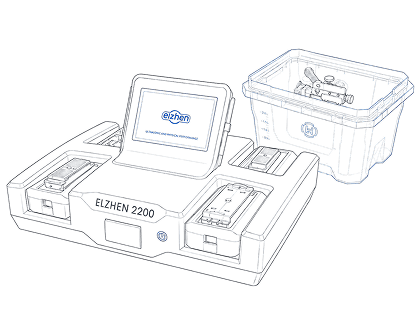
Start the System
Power on the unit and ensure network connectivity.
- Fast startup & intuitive UI
- All-in-one diagnostic platform
- Ready for immediate testing


Loading ...
Loading ...
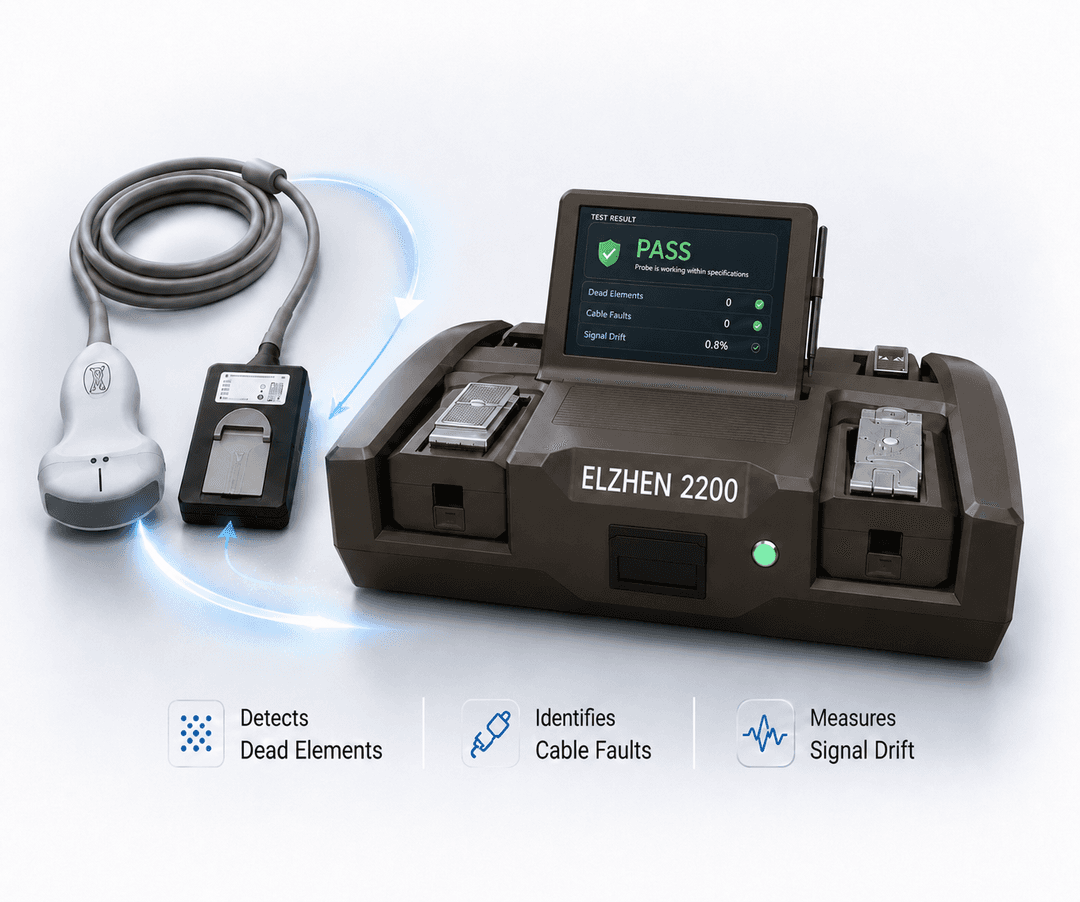
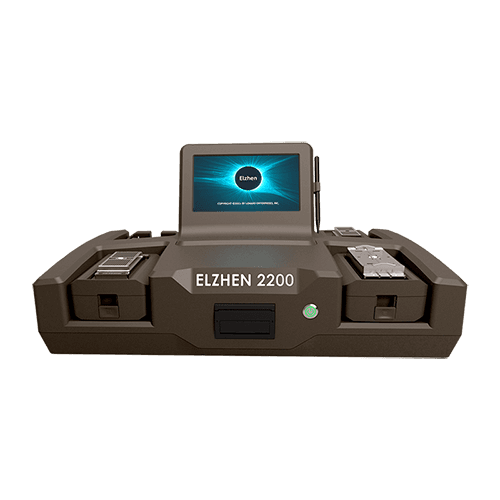
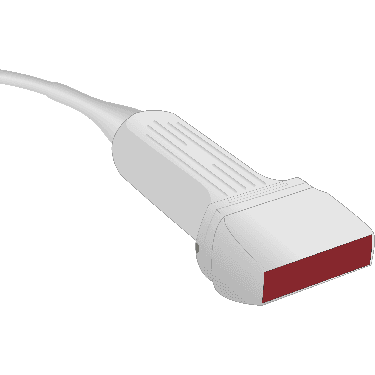
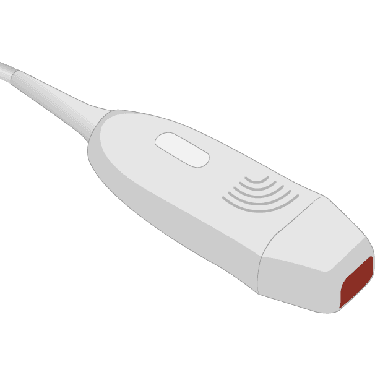
Connect any ultrasound probe to the Elzhen 2200 and get a full diagnostic in minutes. Dead elements, cable faults, signal drift it finds everything and tells you exactly what to do next.
From GE, Philips, Siemens, Canon, Samsung, Mindray, Toshiba & more.
Select the plan that best fits your needs. All plans include the Elzhen 2200 Smart Transducer Analyzer device.
Choose your plan first. You'll be asked to add at least one compatible adapter before checkout.
Included in all plans
Elzhen 2200 Smart Transducer Analyzer
Store up to 100 probe diagnostics
1-year of cloud backup
Single-user access
Custom-branded diagnostics
Included in all plans
Elzhen 2200 Smart Transducer Analyzer
Store up to 250 probe diagnostics
1-year of cloud backup
Single-user access
Custom-branded diagnostics
Included in all plans
Elzhen 2200 Smart Transducer Analyzer
Store up to 400 probe diagnostics
1-year of cloud backup
Single-user access
Custom-branded diagnostics
Included in all plans
Elzhen 2200 Smart Transducer Analyzer
Store up to 400 probe diagnostics
2-year of cloud backup
Multiple-users access
Custom-branded diagnostics
Included in all plans
Elzhen 2200 Smart Transducer Analyzer
Unlimited storage for people diagnostics.
5-year backup
Multiple-user access
Custom-branded diagnostics
Compare storage, backup, user access, and reporting features to find the plan that best fits your needs.
All plans include the Elzhen 2200 smart transducer analyzer.
| Feature | Basic | Standard | Premium | Ultimate | Pro |
|---|---|---|---|---|---|
| Storage | 100 | 250 | 400 | 400 | Unlimited |
| Backup | 1 year | 1 year | 1 year | 2 years | 5 years |
| Users | Single user | Single user | Single user | Multiple users | Multiple users |
| Personalize Your Diagnostic Reports |
From adapter connection to cloud-connected reporting, Elzhen 2200 provides a complete QA testing solution for biomedical service teams.
From adapter setup to cloud-connected reporting, Elzhen 2200 supports a complete testing workflow for modern ultrasound teams.
Power on the unit and ensure network connectivity.
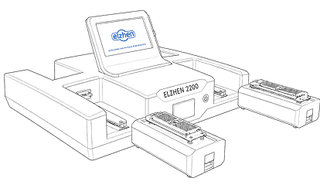
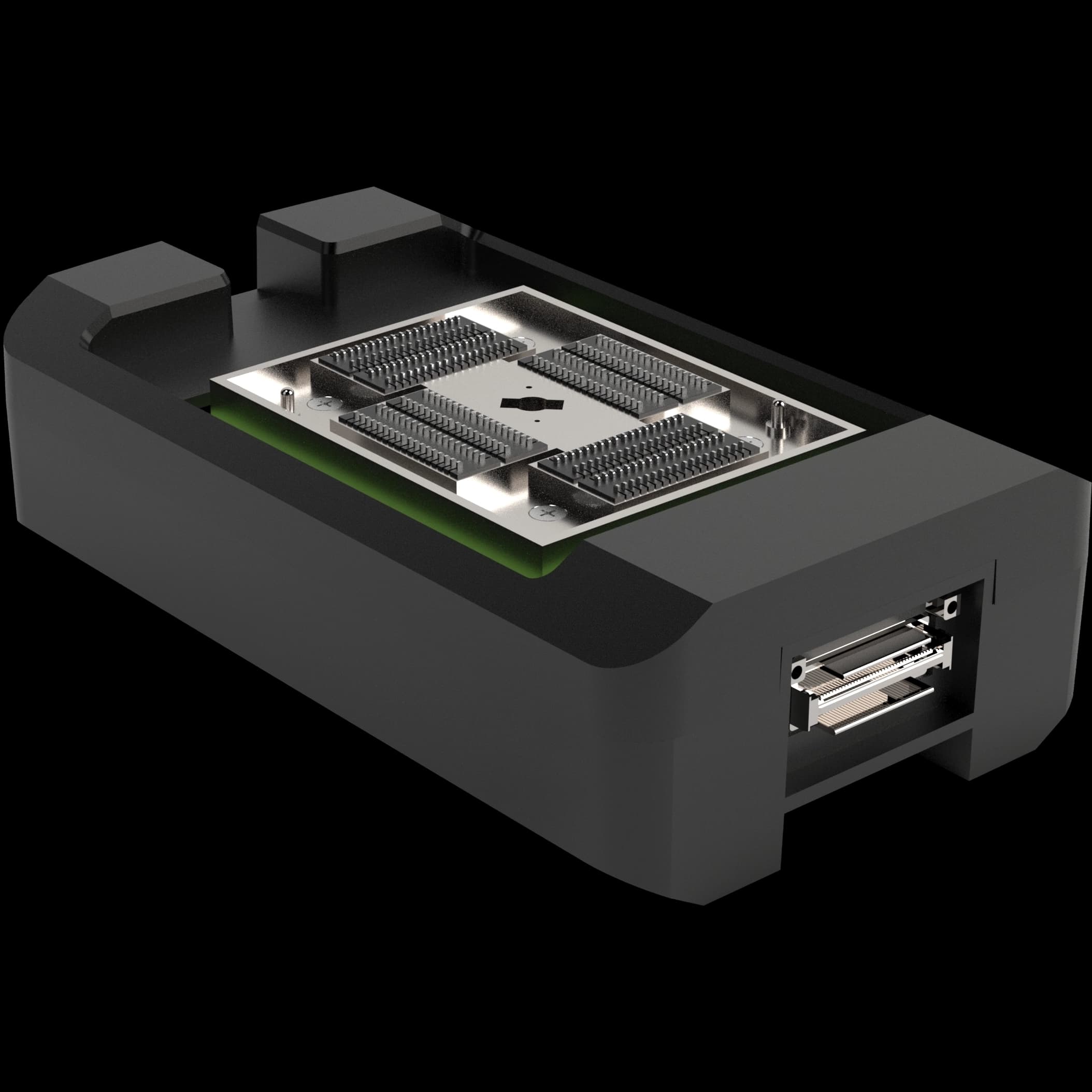
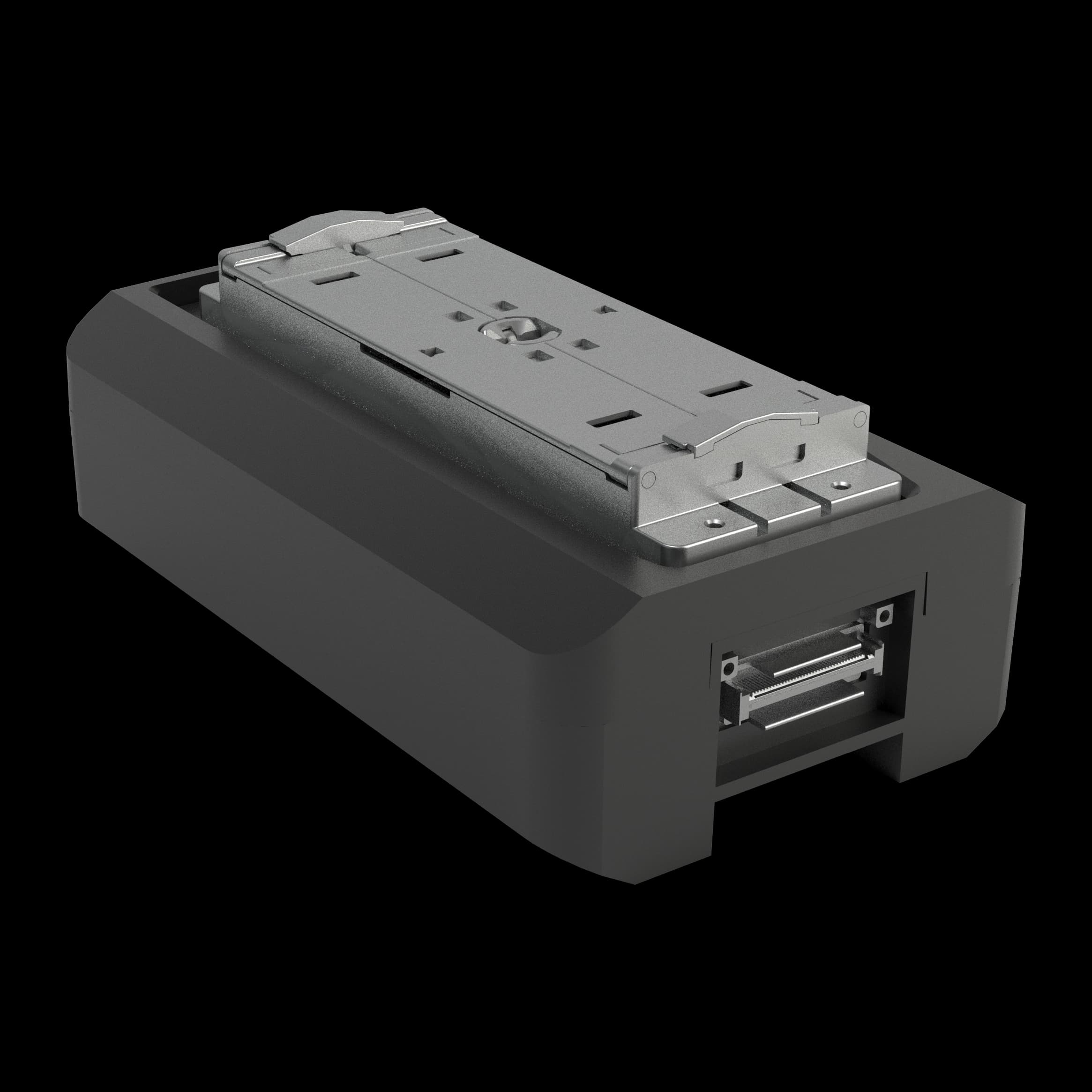
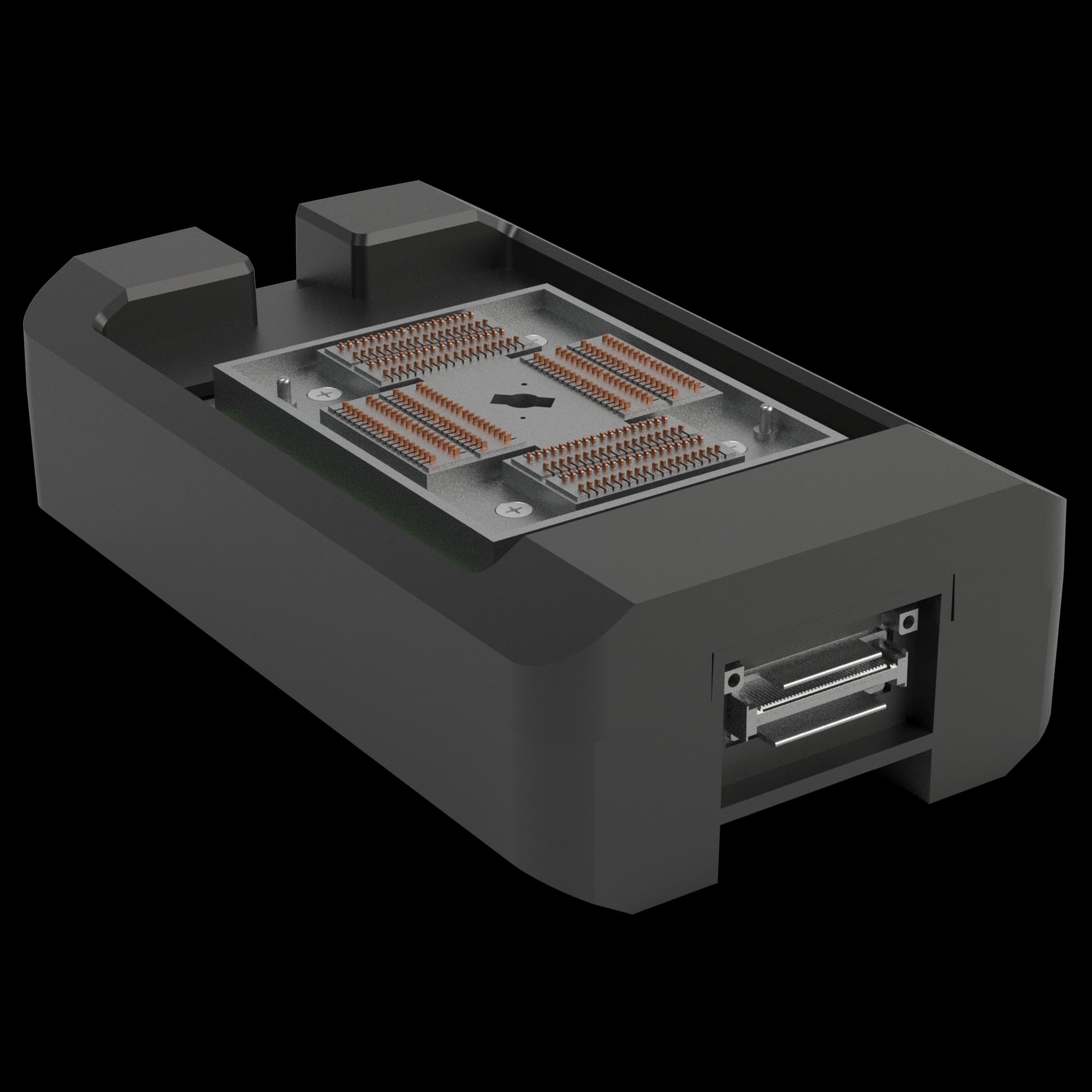
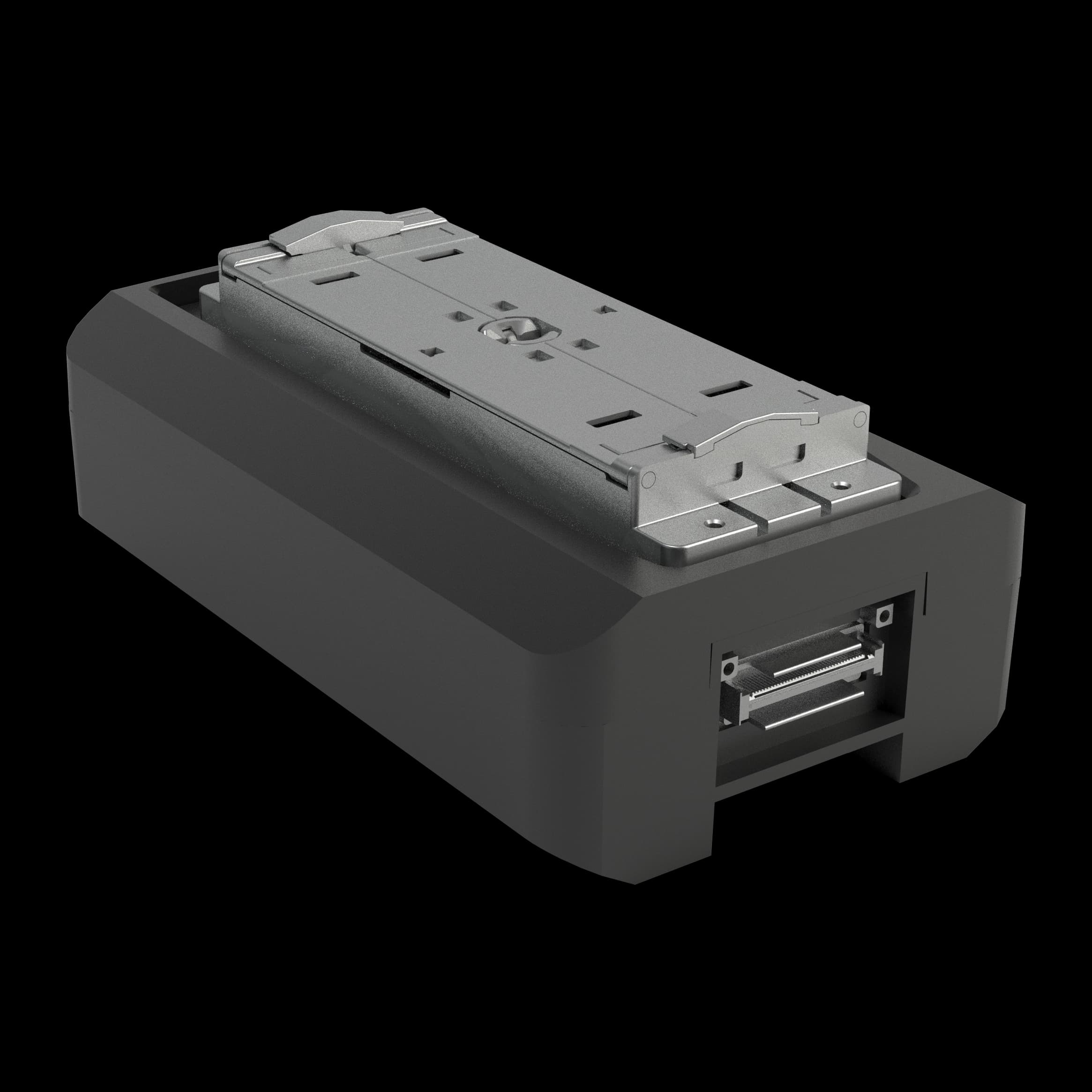
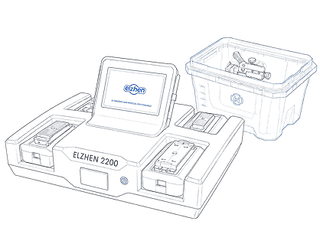
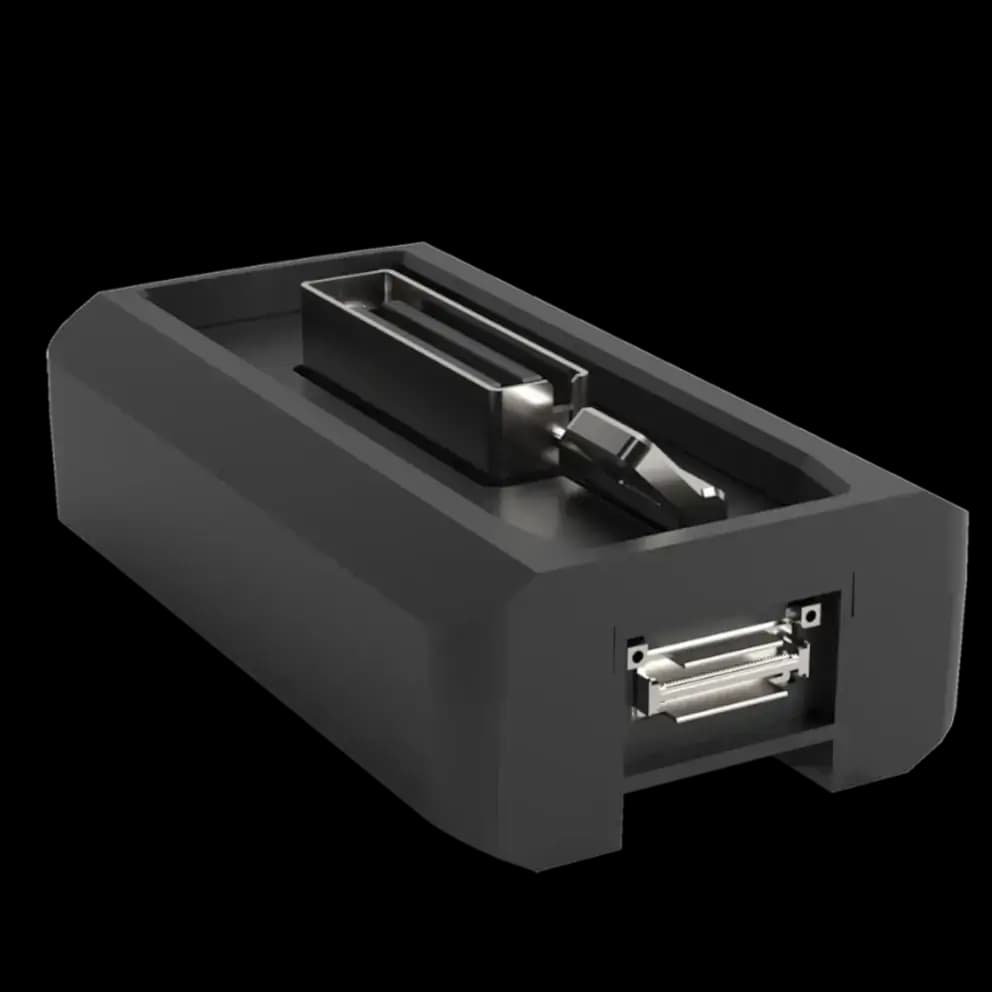
Select and insert the adapter that matches your system and test requirements.
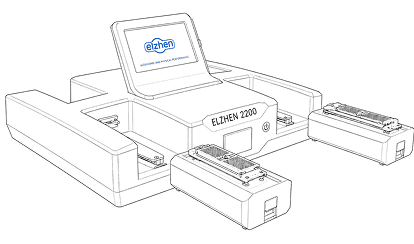
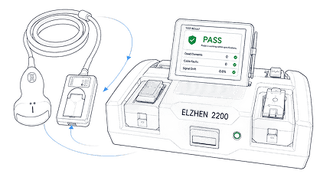
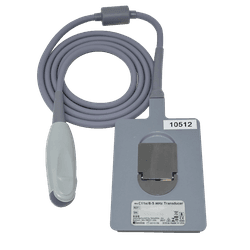
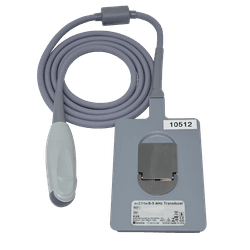
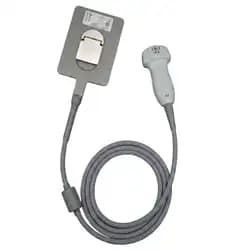
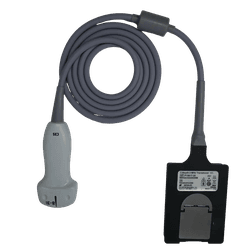
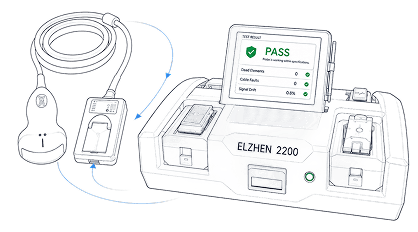
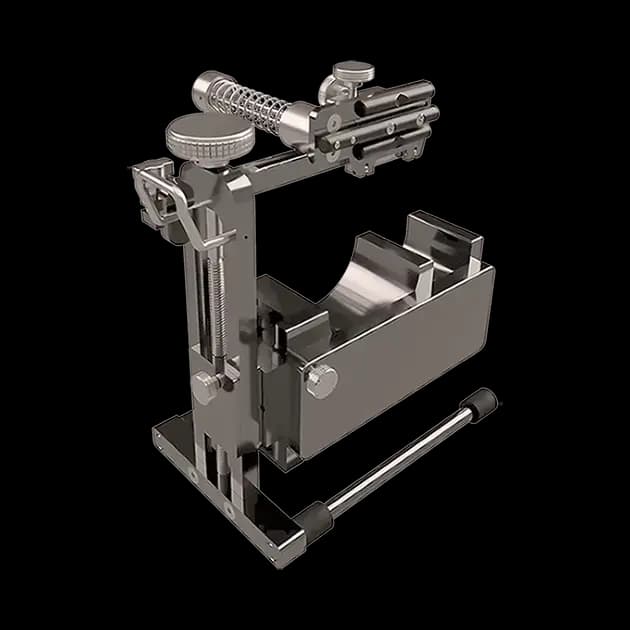
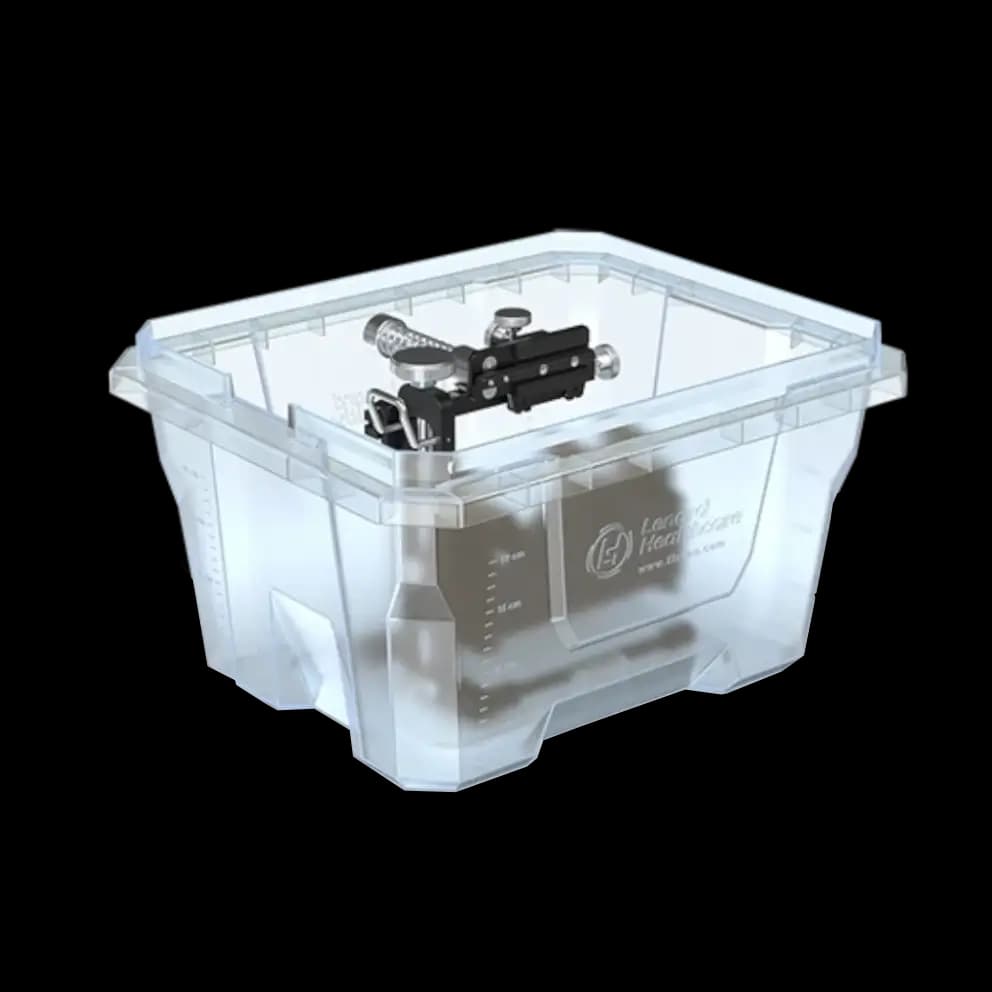
Attach the transducer and align with the reflector for acoustic testing.
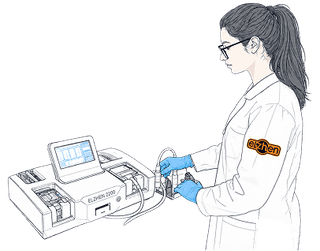
Execute automated electrical and acoustic element scans.
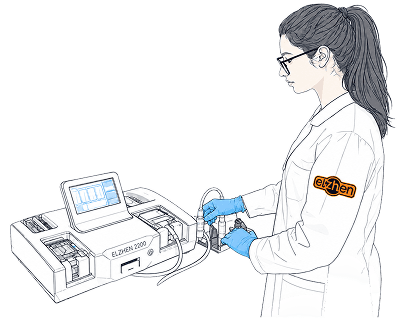
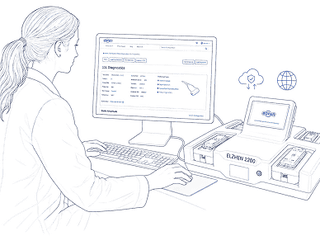
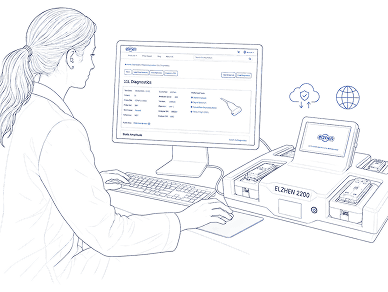
Automatically upload diagnostic results to the Elzhen Cloud Account.
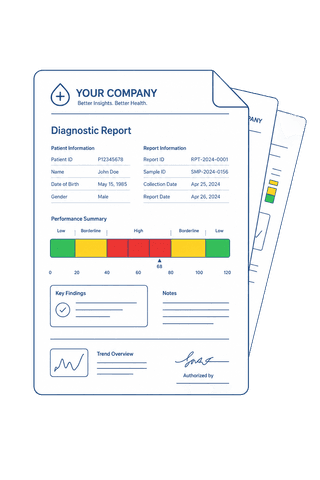
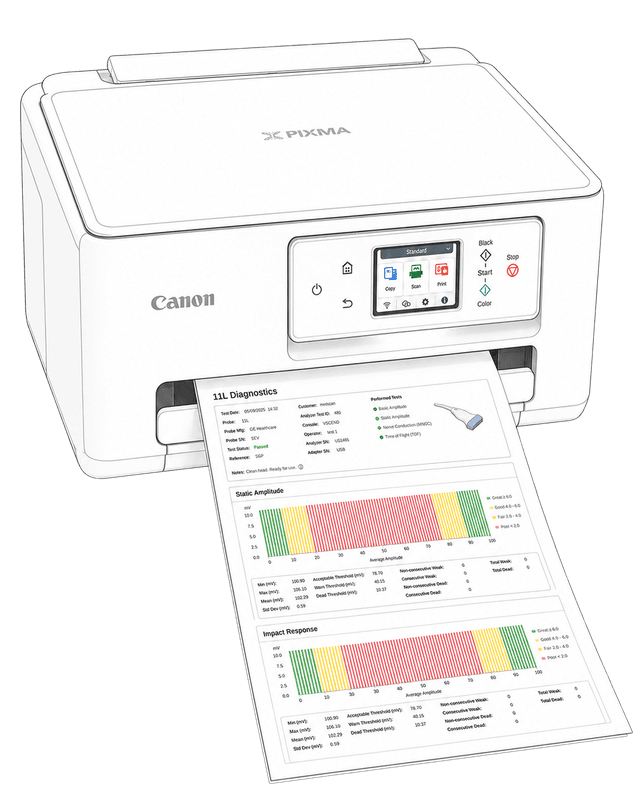
Personalize test output with facility branding and notes.
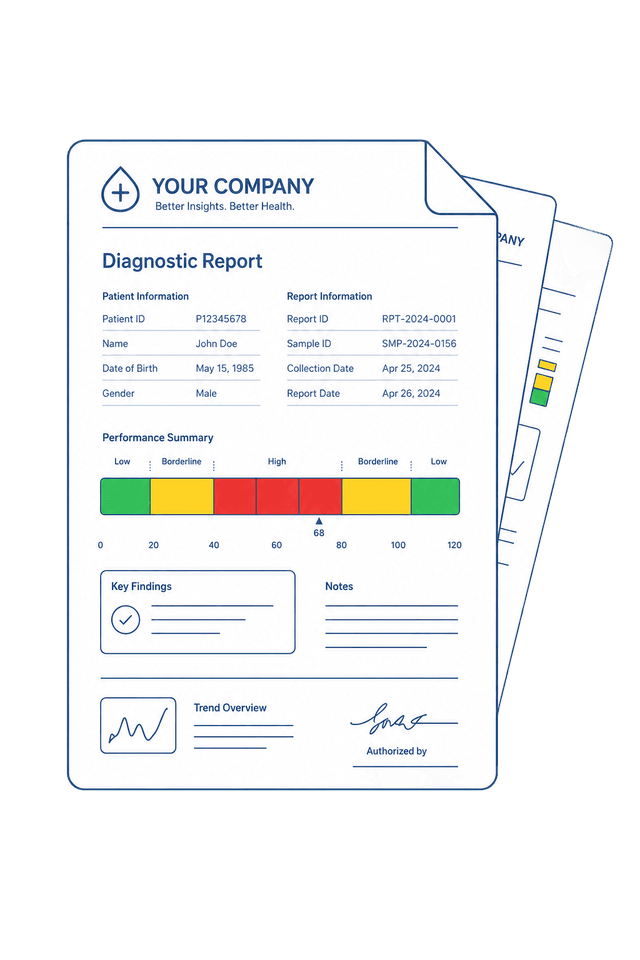
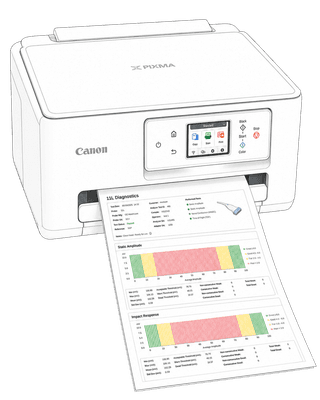
Export PDF reports, print on-site, or share digital links.
The Elzhen 2200 smart transducer analyzer is a specialized diagnostic device developed by Elzhen, one of the most trusted names in the medical imaging industry. Built on the company’s extensive experience with refurbished ultrasound transducers and imaging systems, the device provides healthcare professionals with a dependable way to assess probe condition and maintain consistent imaging performance.
In medical imaging, transducers are among the most critical components of an ultrasound system. When a probe begins to malfunction, even small defects can affect image quality and reduce diagnostic confidence during examinations. Because clinicians rely heavily on accurate imaging results, identifying probe issues quickly becomes essential for maintaining reliable clinical workflows.
To address this need, Elzhen developed the Elzhen 2200 smart transducer analyzer as a practical solution for evaluating probe performance and detecting potential issues early, before they impact daily operations. By enabling teams to identify probe problems quickly, the analyzer helps maintain imaging quality, reduce unexpected downtime, and support informed decisions about probe maintenance or replacement.
The Elzhen 2200 smart transducer analyzer is designed to analyze used or refurbished ultrasound probes in a simple and efficient process. When a clinician or technician suspects that a probe may not be functioning correctly, the Elzhen 2200 allows them to quickly perform a diagnostic test to determine the source of the problem.
To begin the analysis, the ultrasound probe is connected directly to the Elzhen 2200 smart transducer analyzer. The device includes multiple input ports that allow it to be connected with different types of probes used in medical imaging. Elzhen also provides compatible connectors for different probe models, making it easy to connect your transducer to the Elzhen 2200 analyzer. This flexibility makes this device suitable for testing a wide range of used or refurbished ultrasound transducers across various clinical applications.
Once the probe is connected, the device runs an internal diagnostic evaluation. During this process, the analyzer checks the probe’s elements and signal behavior to identify potential faults. The goal is to detect issues such as damaged elements, signal inconsistencies, or other performance problems that could affect image quality during clinical use.
Within a short time, Elzhen 2200 offers clear information about the probe’s condition. This enables clinicians and biomedical teams to decide whether the probe can continue to be used, requires probe repair, or should be replaced with a new or refurbished model.
The Elzhen 2200 smart transducer analyzer is exclusively offered by Elzhen, allowing healthcare providers and imaging facilities to purchase the device directly from the company that developed it.
All purchases of the Elzhen 2200 include clear terms to support customer confidence and operational planning. The device is backed by a 5-year warranty, and returns are accepted within 30 days from the delivery date. Elzhen accepts multiple payment methods, including Purchase Orders, TT in Advance, Credit Cards, and PayPal.
Orders typically ship within 5–10 business days, depending on product availability. Shipping is free within the United States and Canada, while international shipping is available for a flat fee of $165 USD, making it possible for facilities around the world to access the Elzhen 2200 smart transducer analyzer.

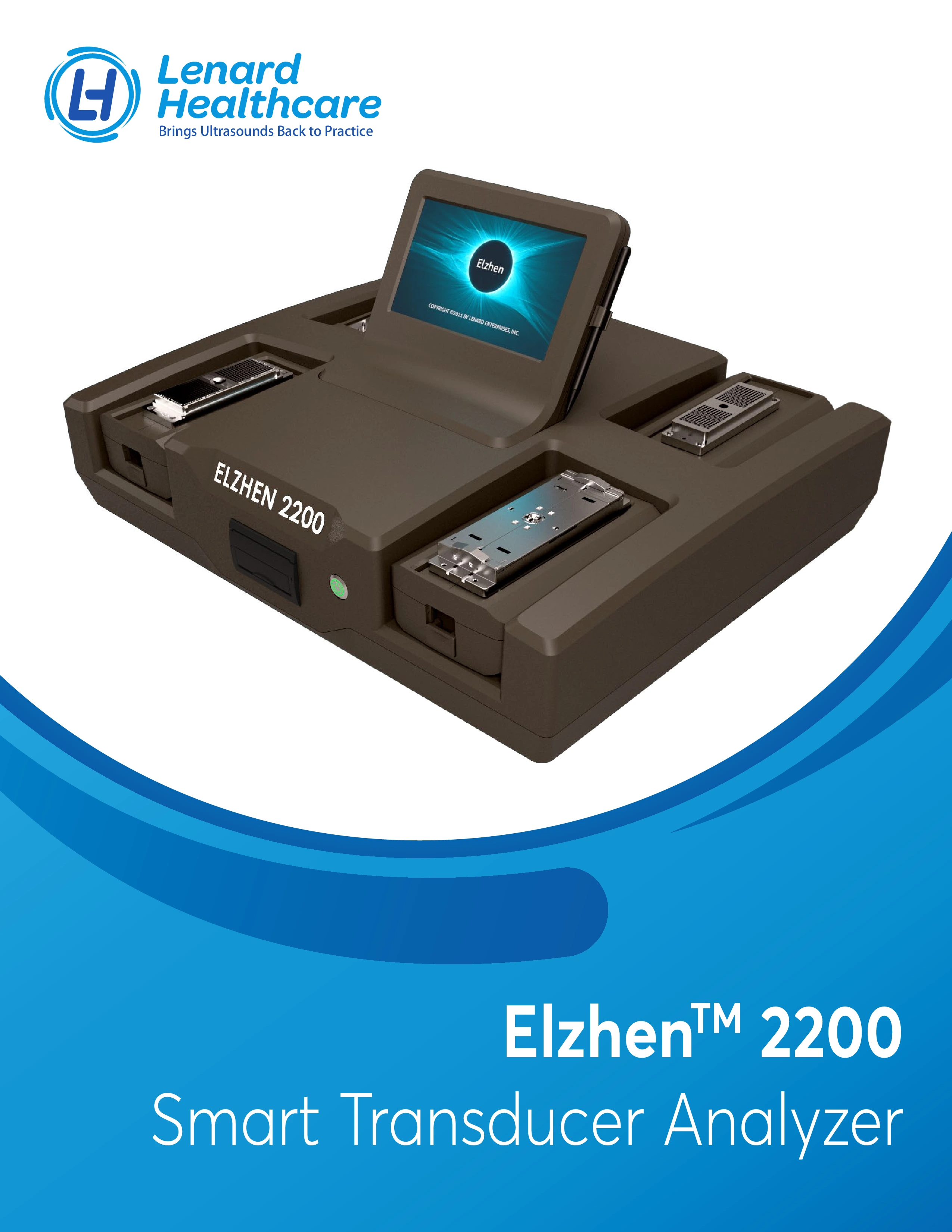
Brochure-style overview of the Elzhen 2200 Analyzer, highlighting its AI-powered ultrasound probe diagnostics, key features, and system capabilities.
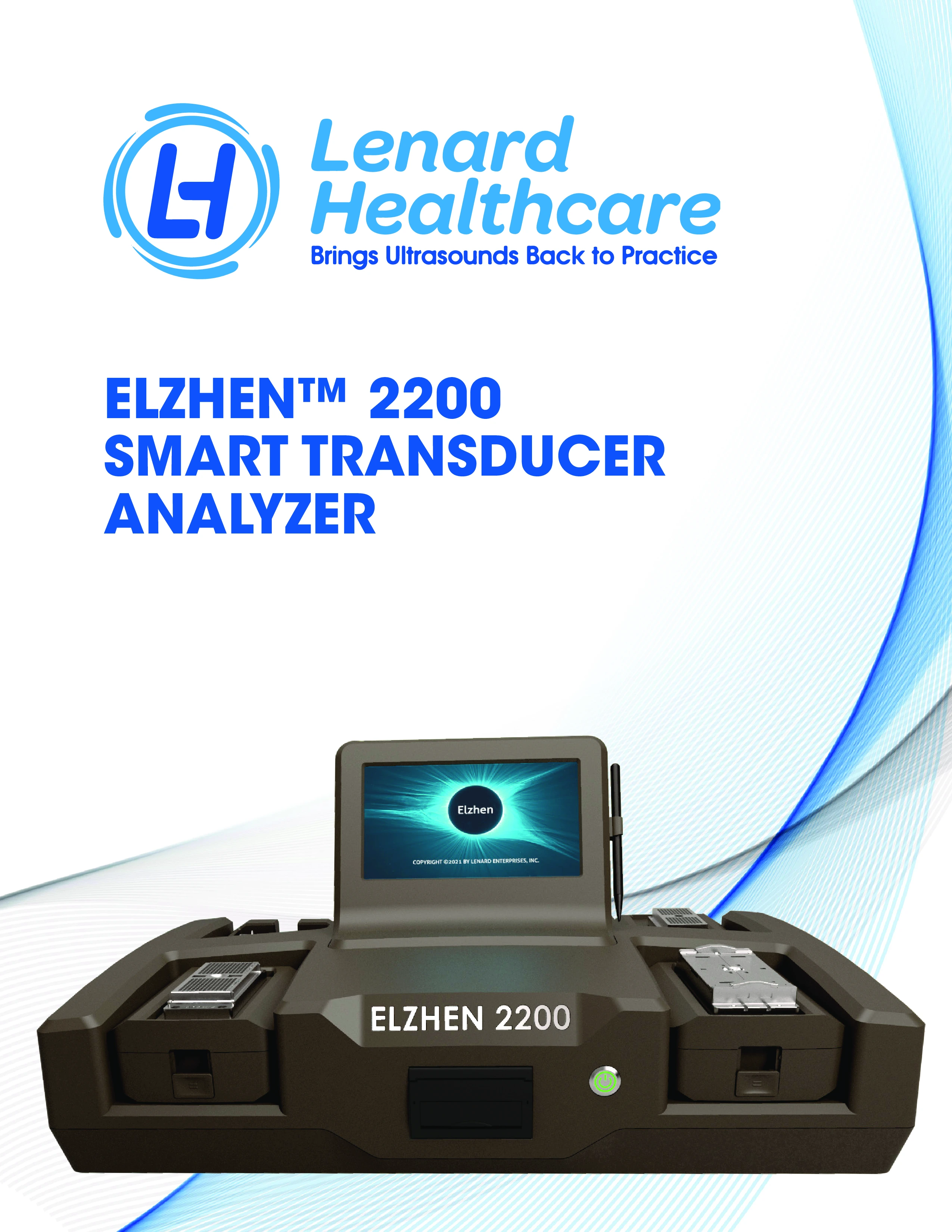
Technical product sheet detailing the Elzhen 2200 Analyzer’s specifications, supported transducers, test modes, and diagnostic technologies.
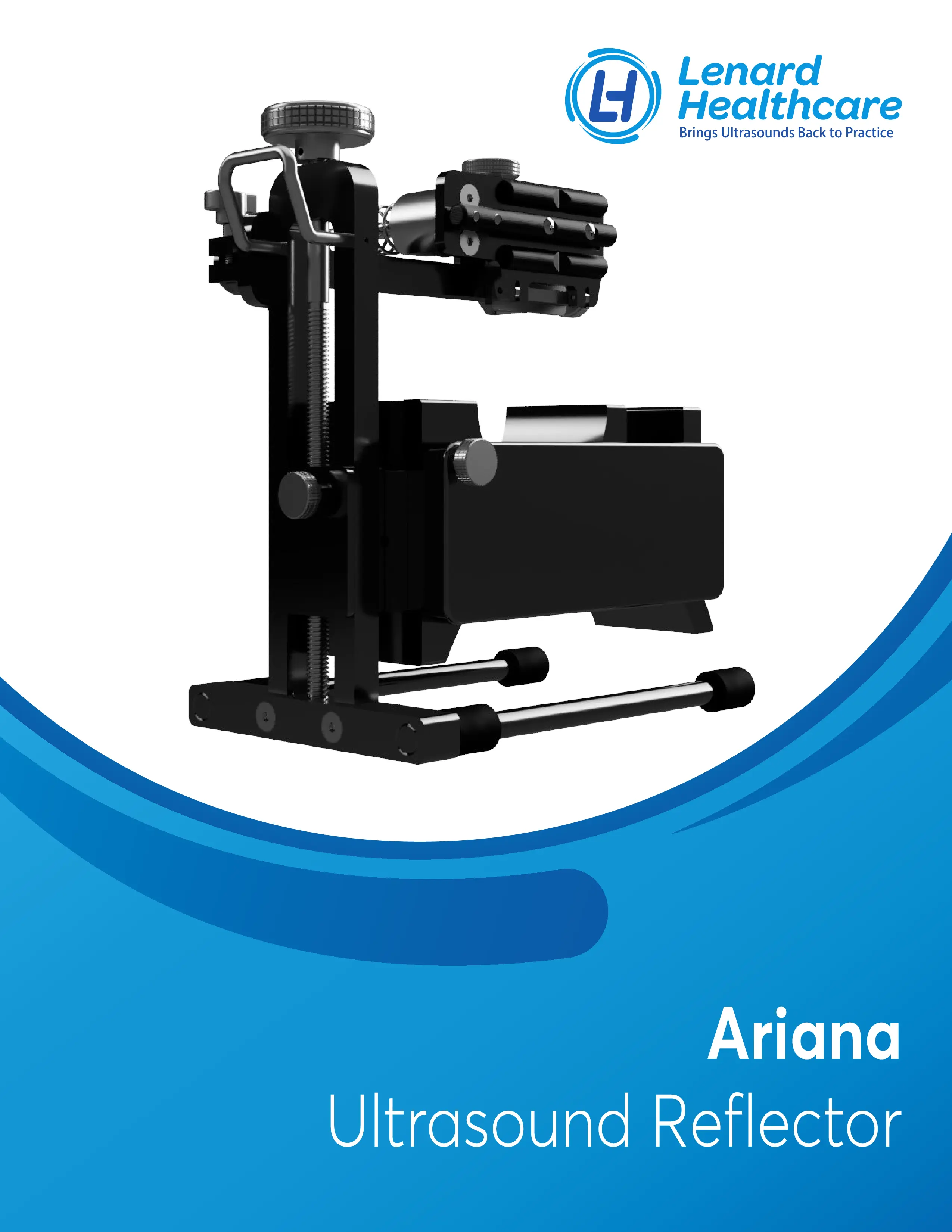
A brochure-style overview of the Ariana Ultrasound Reflector, presented as a promotional product catalog.
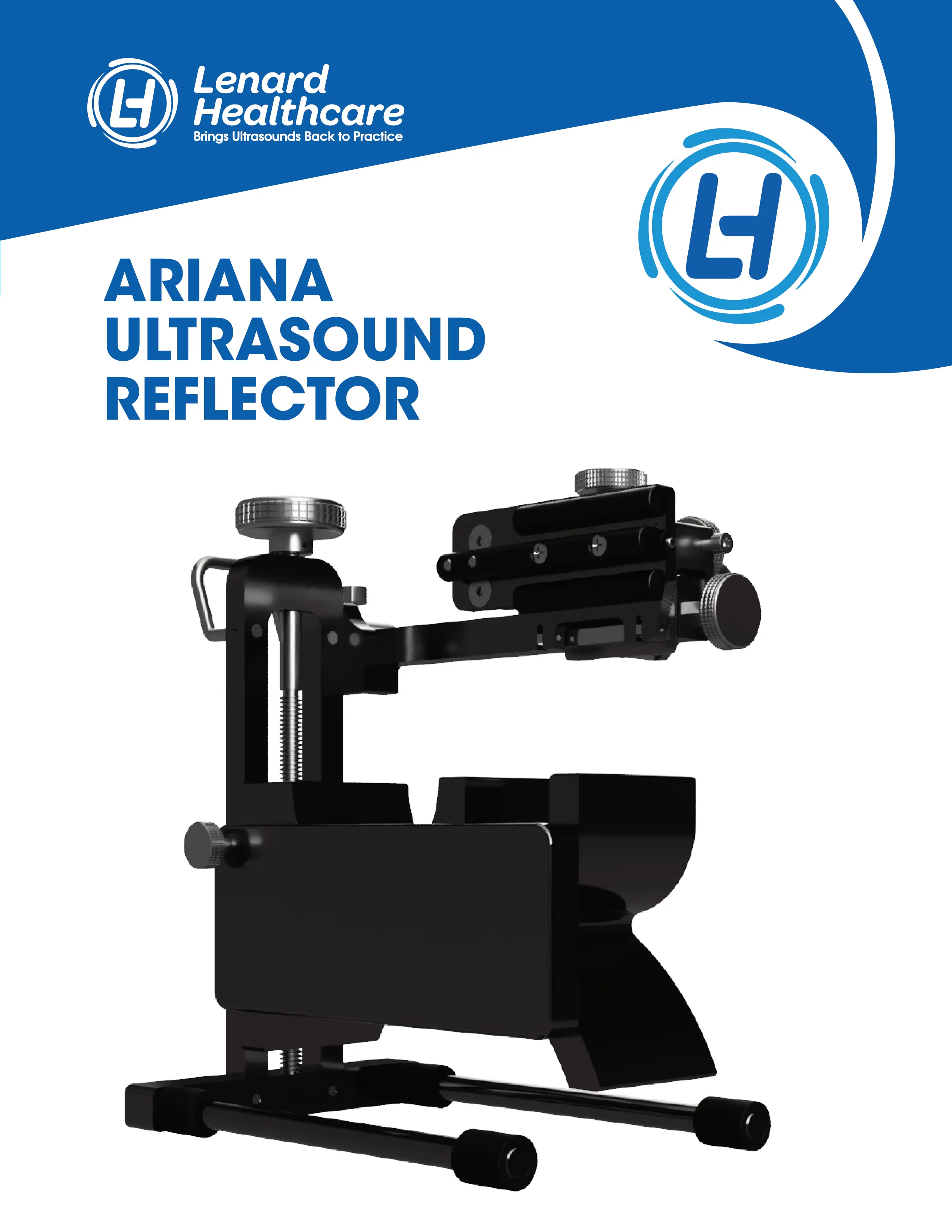
A technical product sheet for the Ariana Ultrasound Reflector, focusing on product details and specifications.
No points have been recorded yet.
You can leave a comment about this product.
If you have previously purchased this product from Elzhen, your review will be recorded as a buyer. You can also leave a review anonymously if you wish.
Do you have any question?
If there’s a problem with ultrasound transducers or probes, it can lead to some serious risks. These probes play a key role in medical imaging, so checking their functionality regularly is important to ensure they’re working correctly. But you might be asking: what should we keep in mind when testing ultrasound transducers, and is it something we can do on our own? The solution is simple: Use a probe tester or Ultrasound probe analyzer!
Keep reading to learn the best way to test your probe.
Over time, your probe can experience physical damage or lose its functionality for various reasons. Frequent use, exposure to extreme temperatures, or general wear and tear can all affect its performance.
You might notice issues like cracks, corrosion, or decreased sensitivity. These problems can impact the accuracy of your results. Additionally, minor issues might be present that, if recognized early, will not cause significant damage later. Regular probe testing helps make this possible.
That’s why you must check the series of evaluating steps to ensure your ultrasound transducers (probes) function correctly and provide accurate results.
There are several ways to check the functionality of your ultrasound probes.
You can start with a visual inspection. Look for any cracks, wear, or damage on the probe, cable, connector, and probe head. Also, ensure the probe and connectors are clean and debris-free, as dirt can affect signal quality.
As you know, ultrasound probes deliver images in different modes, like 2D, Doppler, or 3D. Be sure your probe can produce clear images in all modes.
However, just looking at the probe may not be enough. Ultrasound transducers are sensitive, and some issues, like electrical problems, may not be visible. This is where a probe tester or probe analyzer comes into the picture, ensuring you don’t miss any hidden issues.
Apart from the basic checks you can do on your probe, using a probe tester is essential to ensure it performs well, delivers accurate diagnostics, and helps prevent machine downtime.
As the name suggests, a probe tester, also known as a transducer analyzer, is designed to check the functionality of your probe. But how does it work exactly?
Here’s a detailed look at what factors the process involves:
The main functionality of ultrasound probes is sending and receiving sound waves and signals. That’s why it's important to evaluate the quality of the signal transmitted and received by the probe. Using an ultrasound probe analyzer, you can assess whether the transducer elements are emitting and receiving sound waves correctly, ensuring they deliver accurate imaging or diagnostic data.
Technically, factors such as voltage, current, and resistance seriously affect probe functionality. Disorder in each of these and similar factors can deteriorate signal transmission and quality.
A probe tester can help you ensure that the probe’s internal components (wires and connectors) are free of shorts, open circuits, or abnormal electrical readings.
An ultrasound probe consists of various components, such as piezoelectric crystals, that emit and receive sound waves. One of the main roles of probe testers or ultrasound probe analyzers is to check the probe's elements. This helps determine whether the probe's elements are performing correctly by checking their response to electrical signals and verifying the accuracy of the sound waves emitted. Any issue with these elements can lead to poor image quality.
Some models of probe testers evaluate the probe's performance under varying temperature and pressure conditions. They do this by simulating environmental stressors that could affect the probe's longevity or functionality over time.
Additionally, a transducer probe tester helps assess the probe's sensitivity, which is important for detecting weak signals, especially in deep tissue imaging or when scanning smaller objects.
Another important criterion to check is whether the probe is still calibrated. Even slight calibration errors can lead to inaccurate results. Ensuring the probe remains properly calibrated over time helps maintain consistent performance and supports the reliability of the diagnostic process.
To learn more about how the service works, simply visit Elzhen, click the services button, and select the probe repair option.
There are several types of probe testers and analyzers, each designed for a specific purpose. Some help evaluate image quality, while others assess the electrical performance of ultrasound probes or the probe's physical condition, including the integrity of the housing, cables, and connectors.
One of the top choices for having all these evaluations in one package is the Elzhen 2200 smart transducer analyzer.
The Elzhen 2200 is a thoughtfully designed transducer analyzer that makes it easy to detect probe issues. With so many transducers on the market, each featuring unique connectors, you might wonder if your probe will work with the Elzhen 2200.
Thanks to an extensive range of Elzhen adapters, this analyzer can be connected to different types and models of transducer probes.
For instance, if you’re using a GE Healthcare probe, Elzhen provides various models of GE adapters. You’ll also find adapters for other leading brands like Philips, Fujifilm, BK, Siemens Healthineers, Toshiba, and more. This broad compatibility ensures that almost any probe can be tested effortlessly with the Elzhen 2200 transducer analyzer.
But how does Elzhen’s smart probe tester perform the testing process when using different adapters?
To answer that, let’s dive into a detailed introduction to its test modes, which are designed to evaluate and diagnose issues with your ultrasound transducers effectively.
One of the key methods the Elzhen 2200 uses for ultrasound transducer evaluation is the Static Amplitude test mode. This mode measures the echo intensity of individual elements within a transducer array, focusing on the peak-to-peak voltage (Vpp) of each element.
By identifying any variations in signal amplitude, the Elzhen 2200 transducer analyzer ensures that all transducer crystals work uniformly, producing consistent echo intensity across the array. This uniformity is essential for achieving high-quality, reliable imaging.
The Impact Response mode analyzes the performance of piezoelectric ceramic elements (PCE) by measuring their impact responses. It generates a bar graph that visually represents the intensity amplitude of these responses, offering valuable insights into the health of the transducer, including the acoustic array, cable, and connectors. This mode plays a crucial role in identifying potential issues early, ensuring the transducer’s reliability and overall system functionality.
The Time of Flight (TOF) mode measures the travel time (in microseconds) of echo signals, tracking how long it takes for signals to travel from the probe lens to the reflector and back. It displays this data in a bar graph, providing insights into the signal’s travel time and the overall performance of the transducer system.
The Dynamic Amplitude test mode evaluates the echo intensity of each element within the transducer array. It measures the peak-to-peak voltage (Vpp) of the echo signal, making sure that any differences in signal strength between the components are very small, ensuring uniform performance across the array.
The Dynamic Depth test shows the distance, in millimeters (mm), between each element and the reflector module pad. Elzhen 2200 uses this test mode to assess how accurately the probe can focus on and detect signals from different depths within the tissue or material being examined.
This evaluation with Elzhen 2200 ensures that the probe's elements work correctly across various depths.
The Array Cable Diagnostic (ACD) test mode in the Elzhen 2200 ultrasound probe analyzer is used to evaluate the health and functionality of various components within the ultrasound probe, including the array of elements, the transducer cable, and the connector.
With the ACD test mode, problems with individual elements, cables, and connectors can be detected. Additionally, using Elzhen’s transducer adapters helps reduce signal or data loss, maintaining the probe's performance and durability.
Overall, the Elzhen 2200 smart transducer analyzer makes it easy to test a variety of transducer probe models and types. Its user-friendly interface allows you to start using it within minutes. The analyzer can also be connected to several adaptors compatible with different probe brands to perform multiple test modes (as mentioned earlier). It comes with a 5-year warranty and features secure cloud storage for healthcare professionals to save their probe test results and related data.
In addition to this probe tester, Elzhen offers additional services, such as probe repair. You can request repair services if you encounter any physical or software issues with your transducer.